
For iPhone, iPad, and Android
Paint Color Visualizer
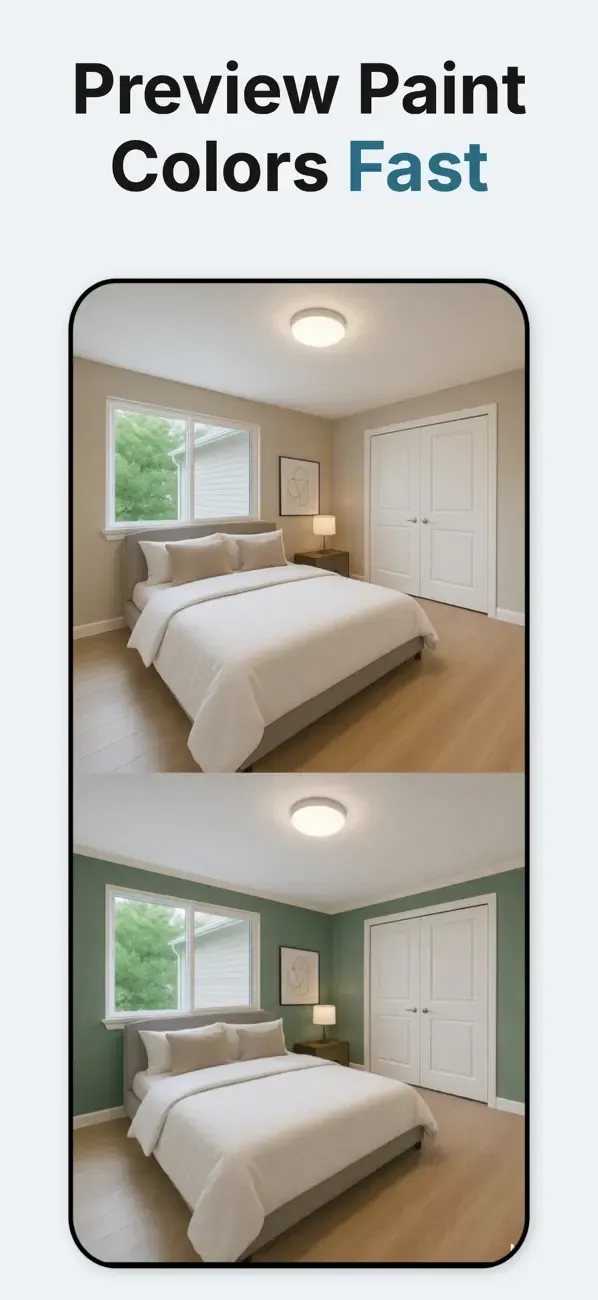
See How Paint Colors Look Before You Buy
Advanced AI automatically identifies and separates paintable surfaces for precise color application.
Use the preview to narrow your shortlist, then confirm the final color with a physical paint sample. Screens, room lighting, and wall texture can all change how a color looks.
- real paint colors
- 200,000+
- paint brands
- 118
- App Store · 582
- 4.6
01 / Process
How It Works
Three simple steps to visualize your perfect paint colors
02 / Compare
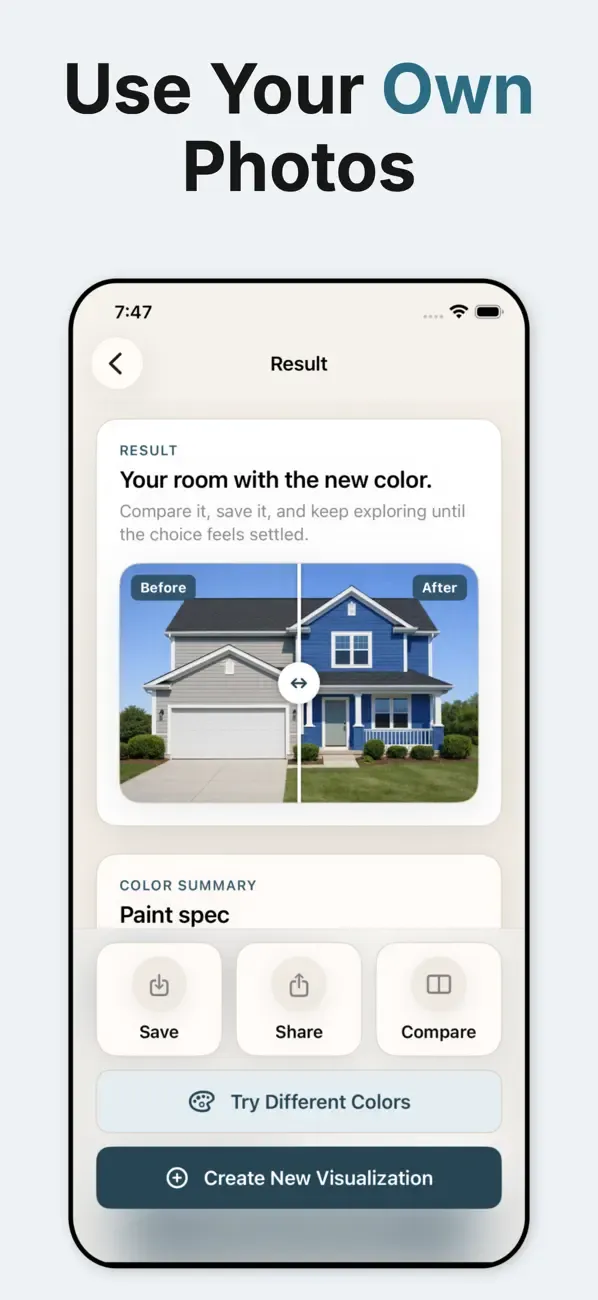
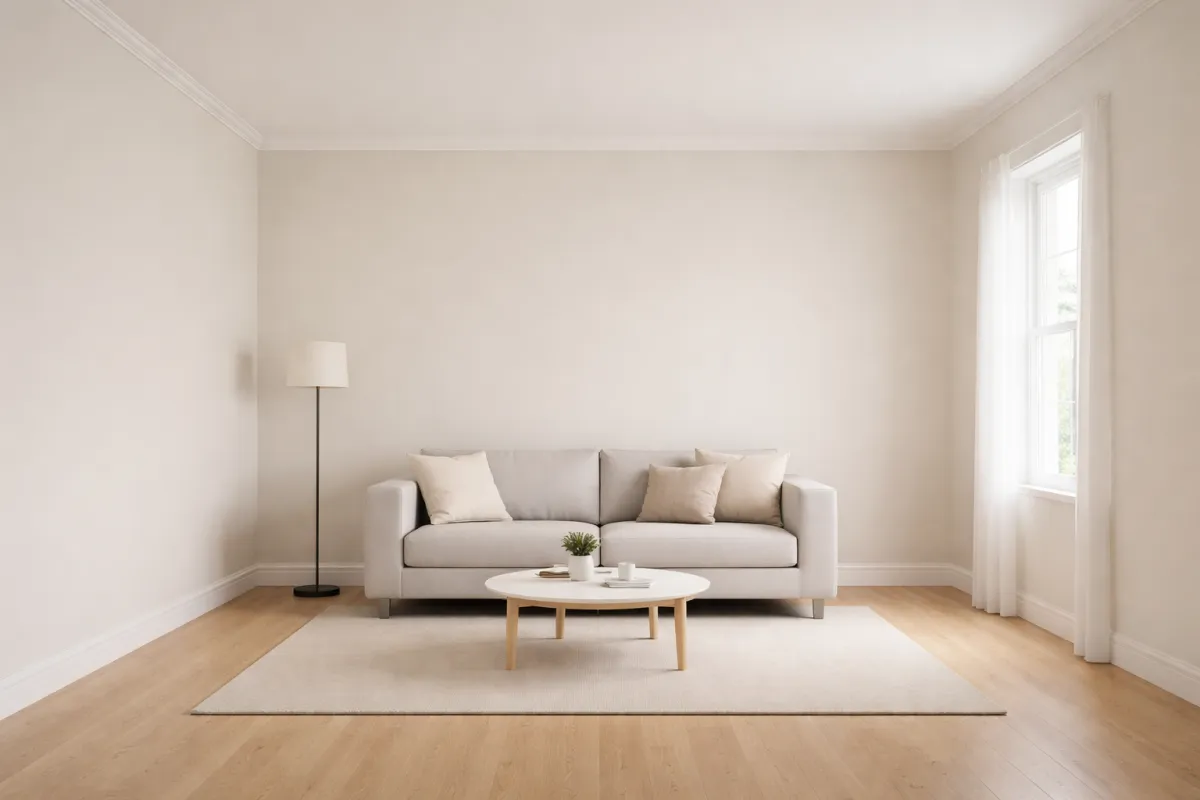
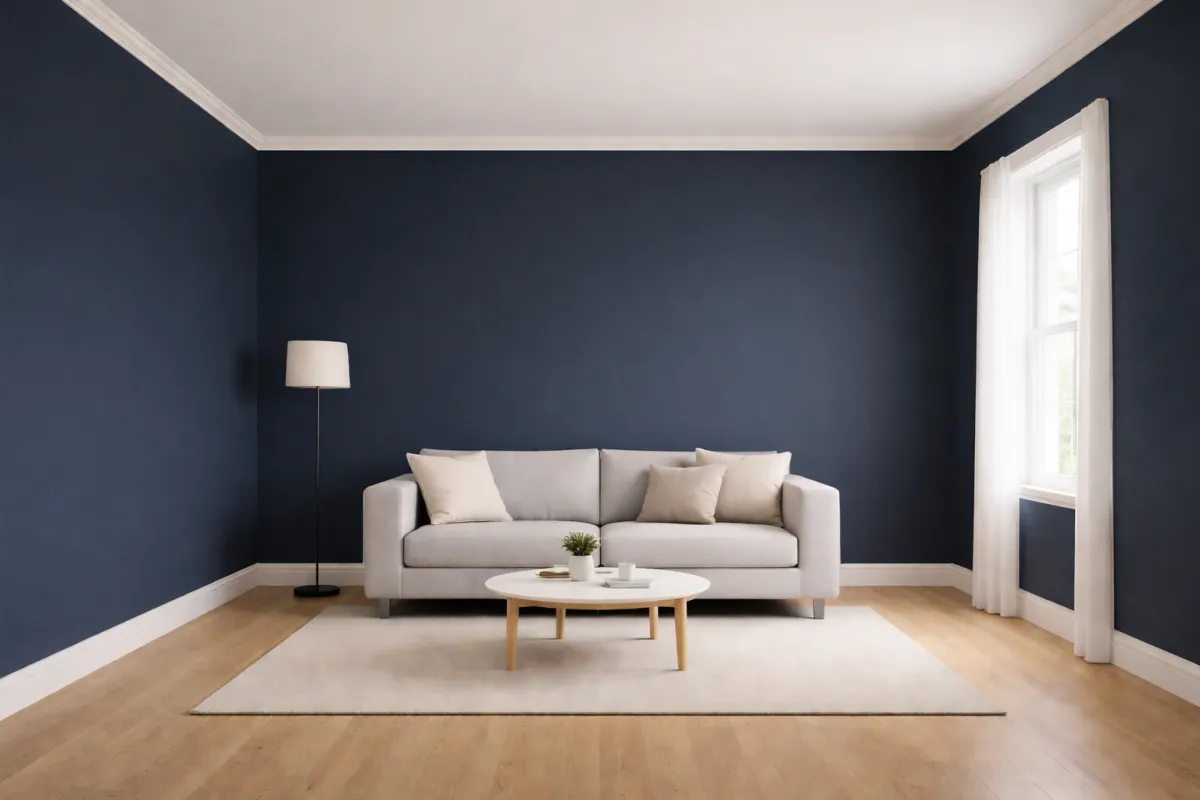
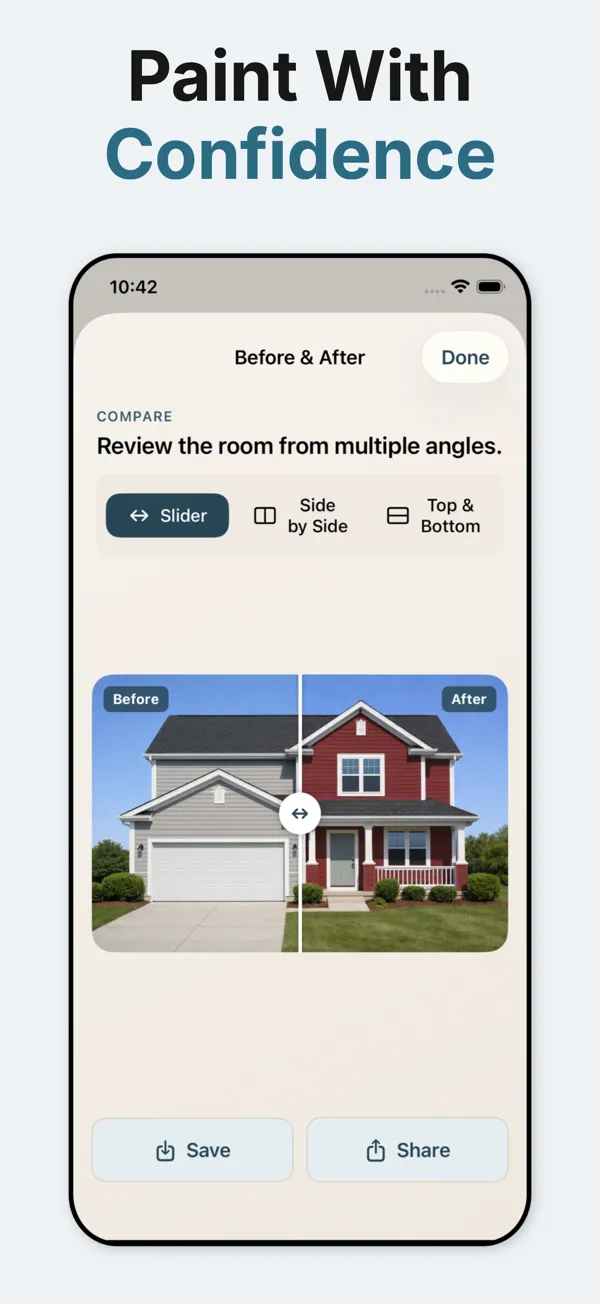
Drag to See Before & After
Slide the handle to reveal how a room transforms with Paint Color Visualizer.
03 / Features
Thousands of Real Colors
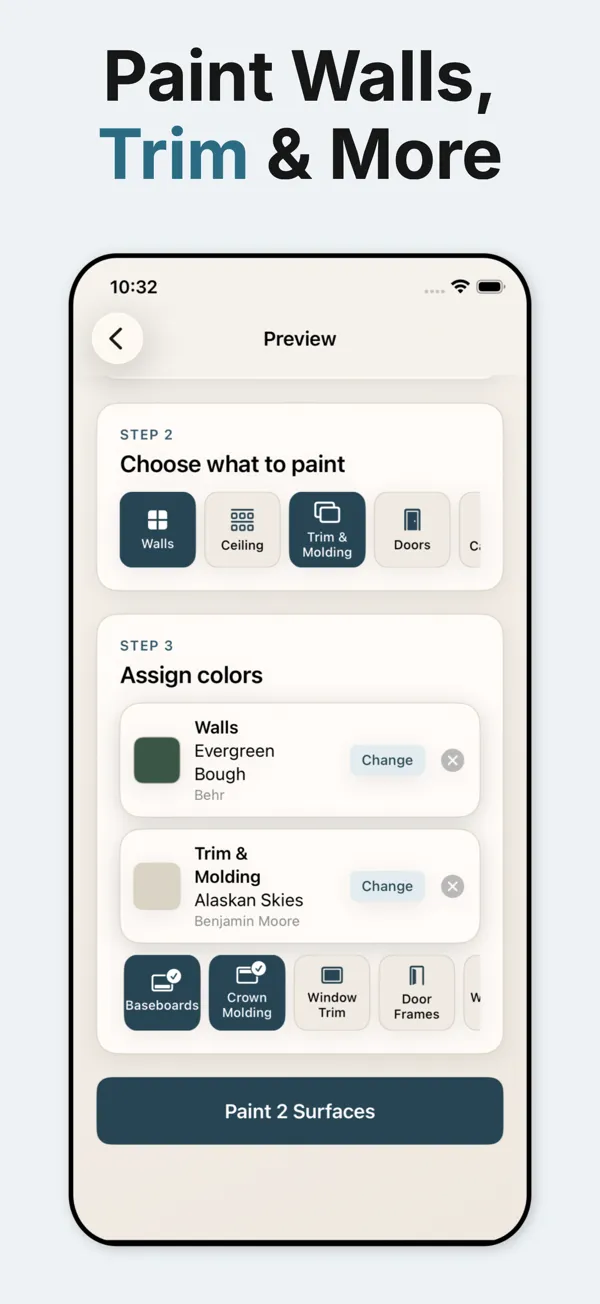
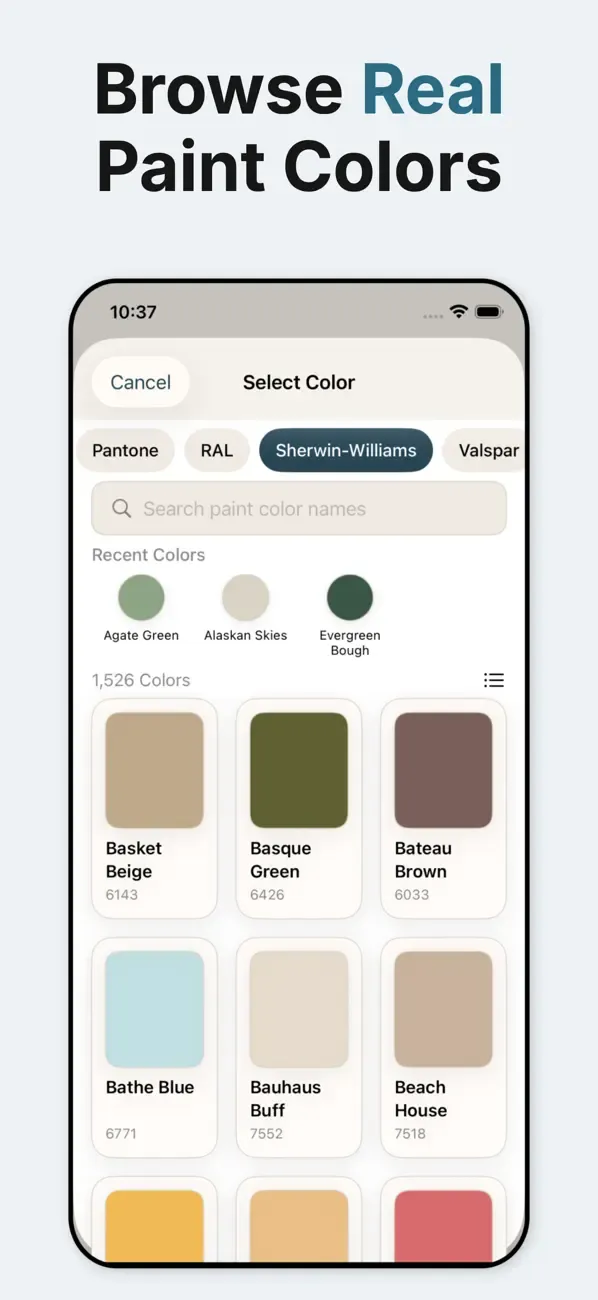
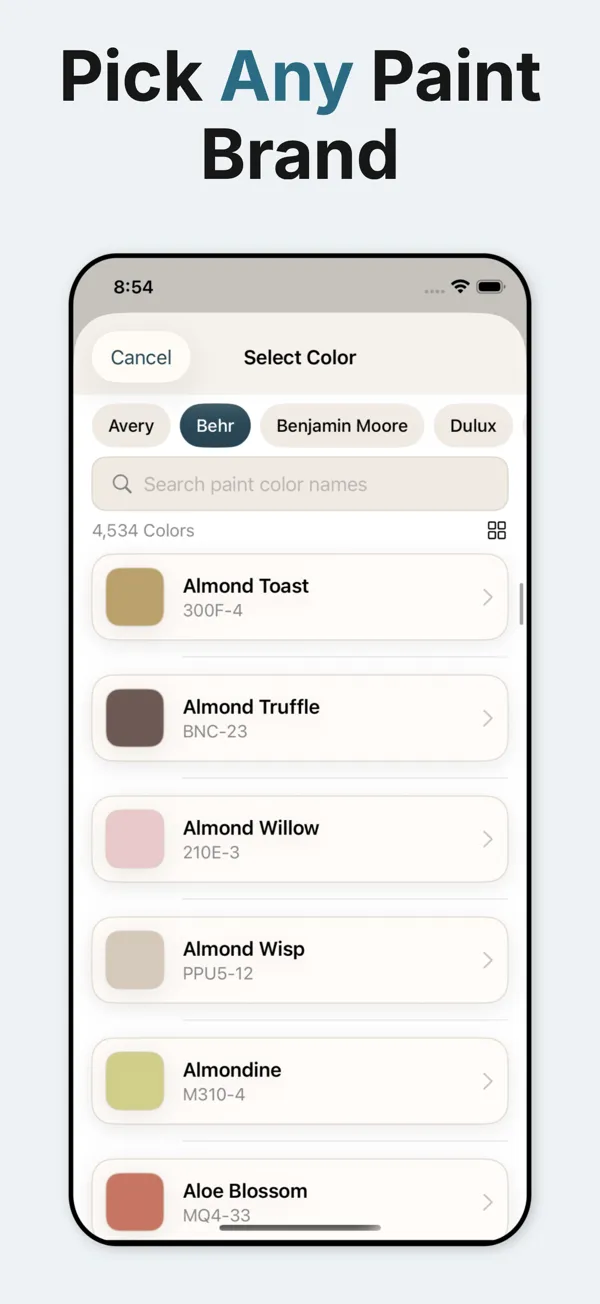
Explore more than 200,000 paint colors from 118 brands, with local brands shown first for your country.
- 1AI-Powered Detection
Advanced AI automatically identifies and separates paintable surfaces for precise color application.
- 2Save & Share
Save your favorite transformations and share them with family, friends, or contractors for easy collaboration.
- 3Simple Credit System
One free visualization to start, then use our affordable credit system for additional projects.
05 / Gallery
App Screenshots
See the Paint Color Visualizer in action
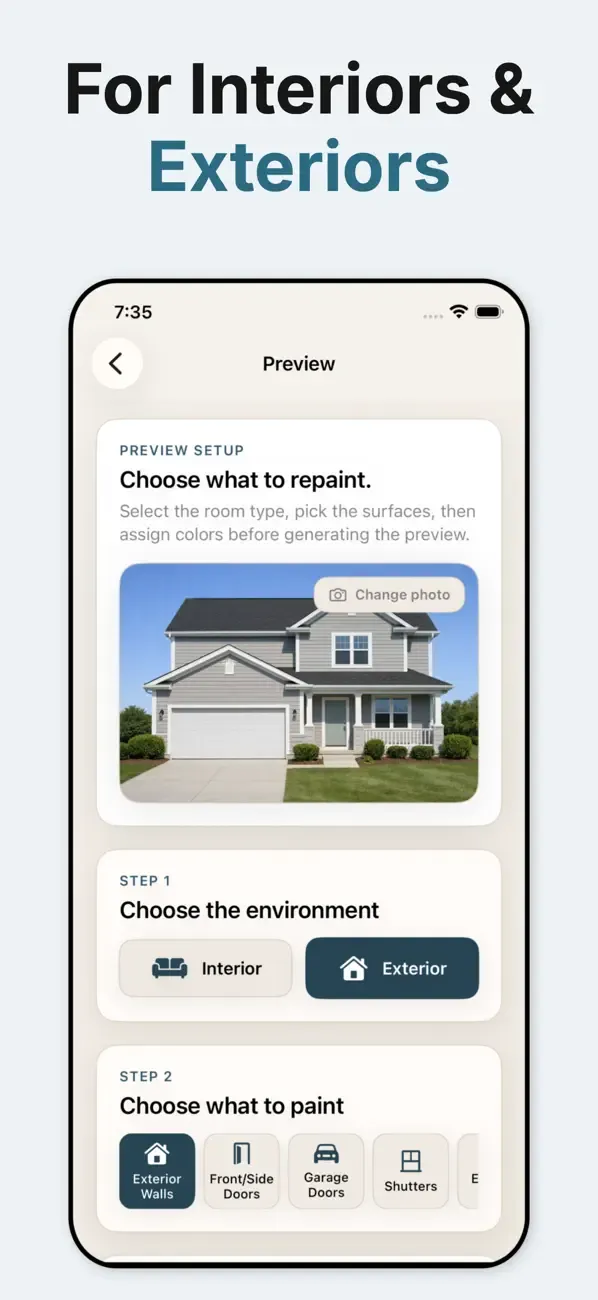
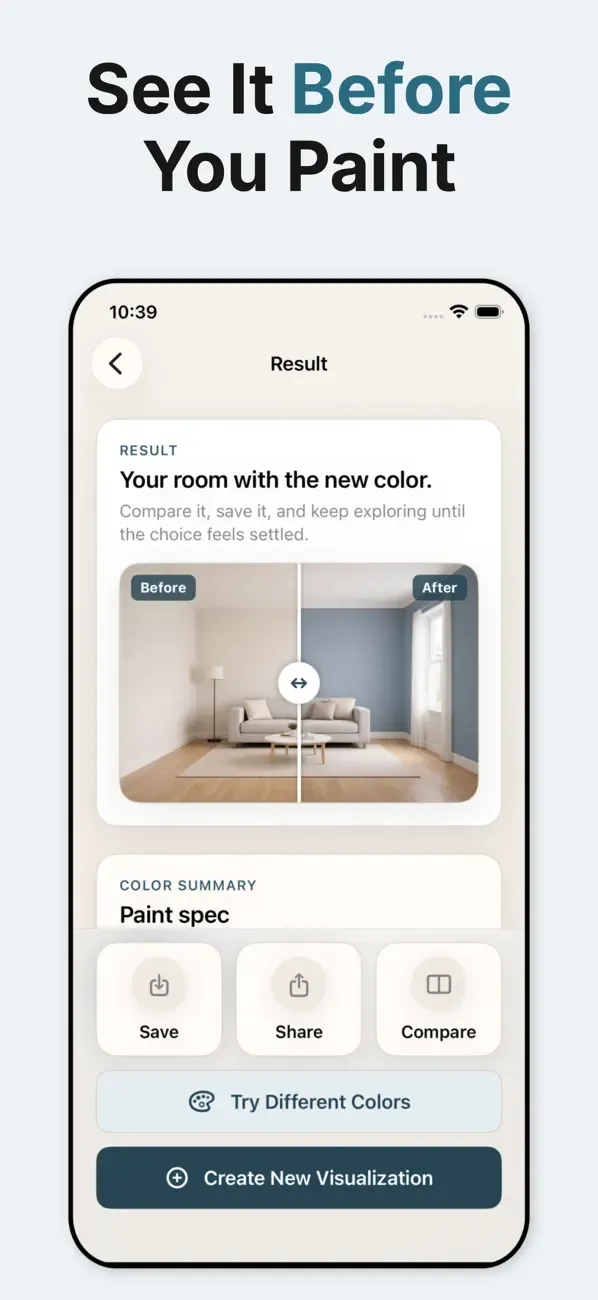
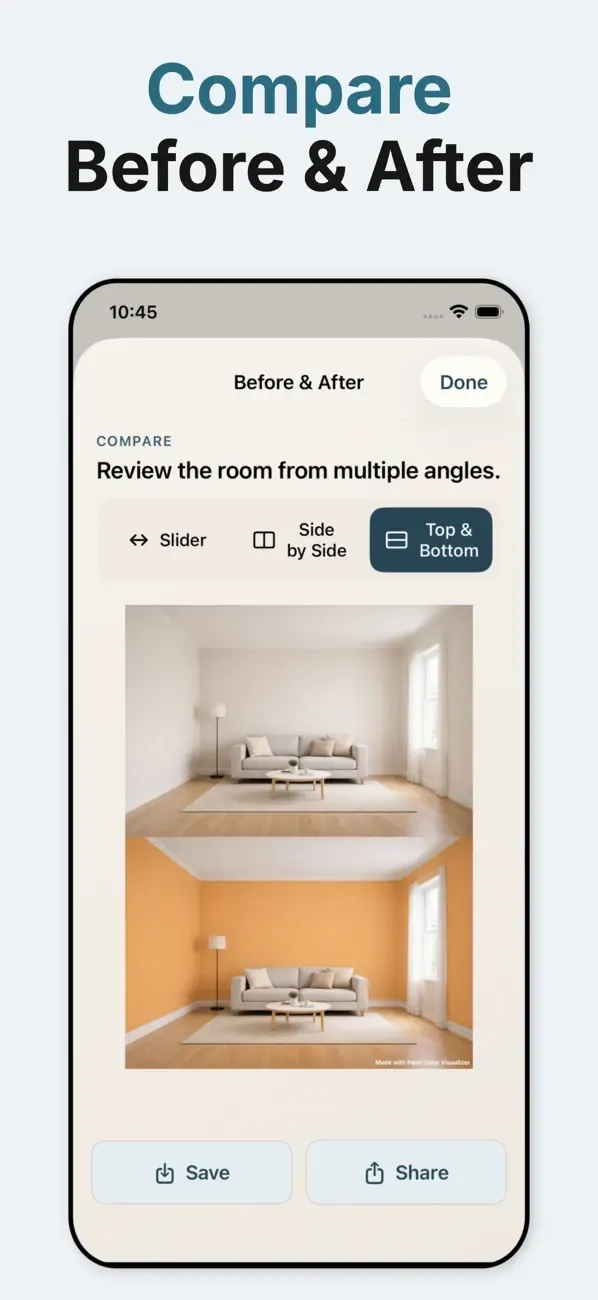
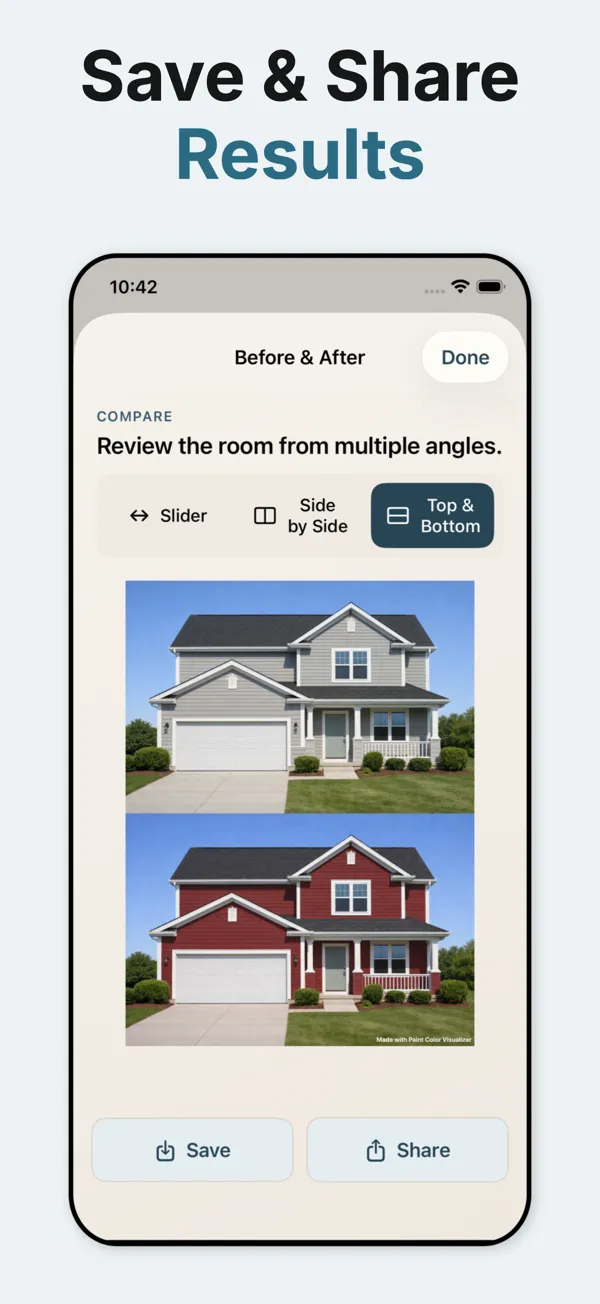
Swipe to see more screenshots
02 / Compare
Compare Views
Use the preview to narrow your shortlist, then confirm the final color with a physical paint sample. Screens, room lighting, and wall texture can all change how a color looks.
- Take or Upload Photo
Capture your room or exterior space, or choose from your photo library. Our AI works with any angle or lighting.
- Compare Views
Side-by-side before and after comparisons help you make confident color decisions.
- Save & Share
Save your favorite transformations and share them with family, friends, or contractors for easy collaboration.
Ready to Visualize Your Perfect Paint Colors?
Download Paint Color Visualizer today and transform your space with confidence. One free visualization to get started!